
Features
Your iPhone, iPad, and Apple Vision Pro — a precise spatial design tool, wherever you are.
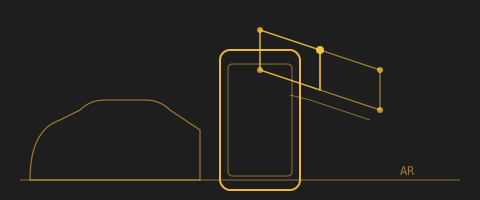
Pocket-sized 3D
A 3D modeller built for the iPhone you already carry. Portable, compact, quick, responsive — a mechanical pencil for the mind. No other CAD tool like it.
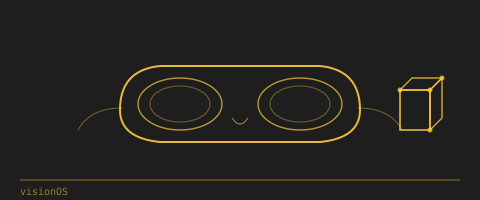
Apple Vision Pro
First-class Apple Vision Pro build — walk through your design at true room scale. The same AR-native CAD you know from iPhone and iPad, hands-on and head-tracked in visionOS. Draw against real surfaces, resize with a pinch, walk around what you've made — not a stretched iPad app.
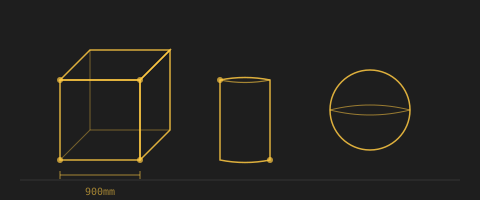
Solid Shapes
Boxes, lines, rectangles, circles, spheres at exact dimensions in real space. Move, copy, rotate, scale — all with precise control at true scale.

Freeform Drawing
Finger or Apple Pencil. Sketch 3D paths directly in space. Anchored to real surfaces or floating in air. Capture an idea before it disappears.
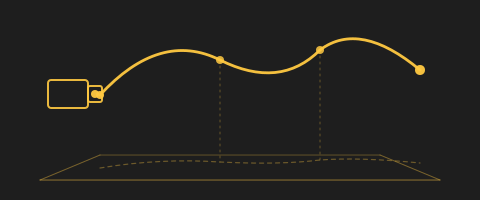
Animation Paths
Draw camera paths mid-air with a finger or Apple Pencil. The path becomes a 3D Bezier curve at true scale, exportable to Houdini, Maya, Cinema 4D, or Blender for animation, simulation, and rendering. Walk the path with the device to preview the camera move on location before a single shot is set up.
Voice Input
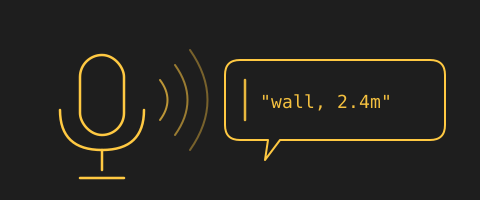
Speak to the model. Dictate dimensions ("eight feet by twelve"), trigger commands ("snap", "undo", "duplicate"), or label what you're drawing ("shelving on rails"). Frees a hand when you're holding the device and want to keep the cursor where it is.
Extrusion
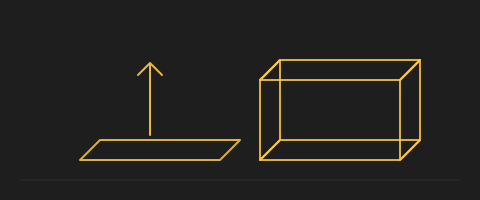
Pull any 2D shape into a 3D volume with a single gesture. Draw a rectangle on the floor, drag it up to become a wall. Trace a profile, extrude it into a moulding. Plans become volumes without leaving the AR view.
Boolean Operations
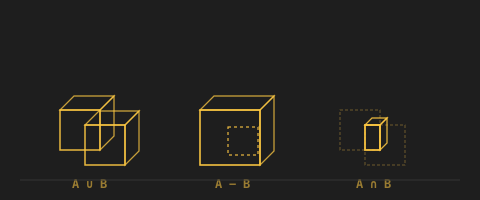
Union, subtract, and intersect solids to build complex shapes from simple ones. Combine two solids into one, cut one away from another, or keep only the overlap between them. The workhorse operation for turning drawn primitives into designed forms — a wall with a window cut into it, a tabletop with a rounded edge, a room with a stepped ceiling.
Generative 3D
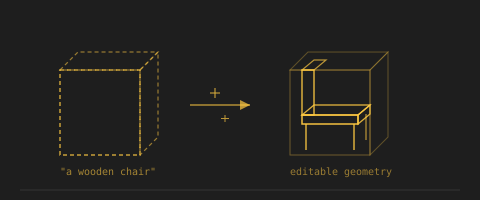
Sketch a bounding box, describe what fits inside — the AI generates real 3D geometry to fill it. Where AI Rendering paints a photorealistic image inside a box, Generative 3D fills it with actual editable geometry — a chair, a bed, a plant, a shelving unit — sized and placed exactly where you drew the volume. Then you can move it, snap it to other objects, and export it like anything else you sketched by hand.
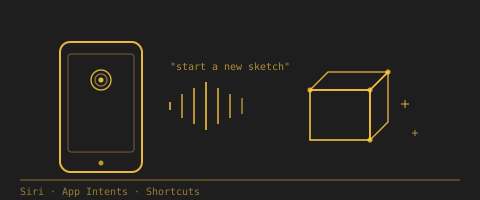
Siri Shortcuts
Command Graphite 3D from anywhere on your device via Siri and App Intents. Ask Siri to start a new sketch, capture a room, add a wall, or export the current model — from your lock screen, from the Shortcuts app, from a hands-free voice command mid-walkthrough. Every core action is exposed as an App Intent, so any Shortcut you build can chain Graphite 3D with the rest of your workflow.
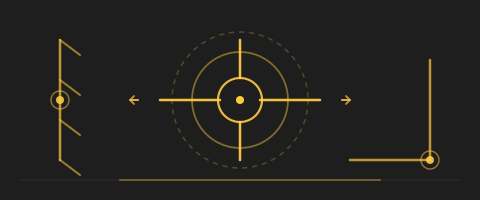
Intelligent Cursor
The 3D cursor reads what's around it and adapts. Near a wall, it locks to the surface. Near an existing edge, it locks to the edge. Near a corner, to the corner. Long reference axes extend through real space — a laser level and a gimbal at once. The cursor decides; you confirm. No mode switching, no menu hunting.
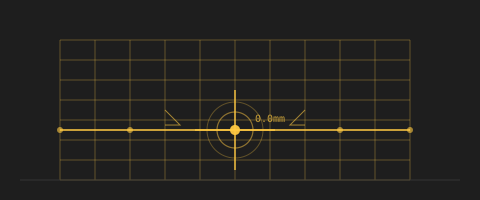
Snapping
Snap to real surfaces and existing geometry. Context inference makes the right snap the default; hold the device steady and pan the cursor with one finger for sub-millimetre precision.
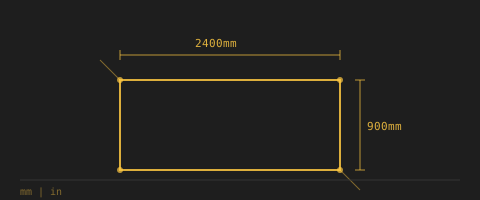
Live Dimensions
Every edge, every position, every clearance is precisely annotated at true scale in real time. Numbers update as you draw, so you're always measuring while you're modelling.
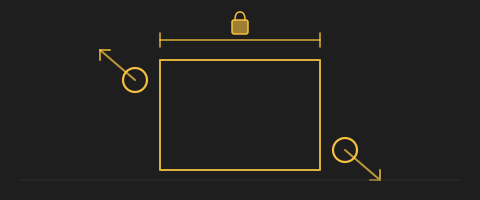
Intuitive Scaling
Pinch any object to resize it directly in space — the iOS gesture you already know. For precision, drag a single dimension line to constrain the scale to that axis; the others follow proportionally or stay locked, your call.
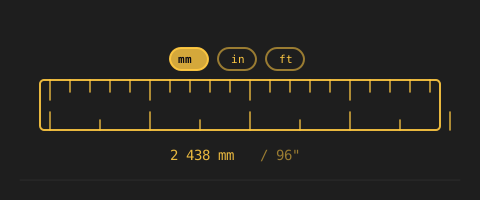
Multiple Measurement Units
Precise dimensions in metric, imperial, architectural feet-and-inches, or surveyor's units. Switch any time. The model stores its dimensions in source units, not display units, so nothing rounds. Millimetres for furniture, hectares for mining sites, one tool for both.
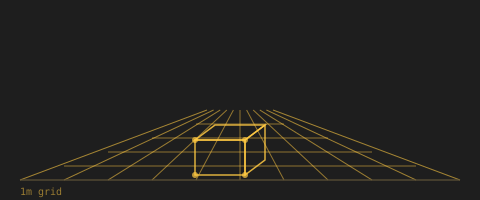
Grid
A visible reference grid in the space you're drawing in. A scaled floor grid drawn at true dimensions in the AR view — a stable visual reference for scale and alignment. View-only for now; snapping to grid intersections is on the roadmap.
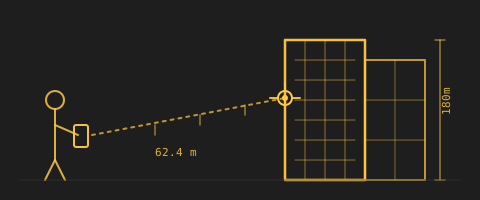
Huge scale
Sketch the volume of a whole building from across the street. The depth cursor reaches the far side of the lot, snapping to walls 50 metres away the same way it snaps to a tabletop. Walk the perimeter of a proposed massing at true scale, set heights against the real skyline, and study how the form sits on the site — all from the phone in your hand.
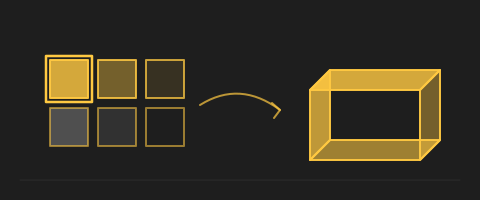
Color Palette
A palette of colours that paint onto any object in the scene. Walls, furniture, fixtures, surfaces — pick a colour from the palette, tap an object, done. Quick way to study material decisions in the actual room.
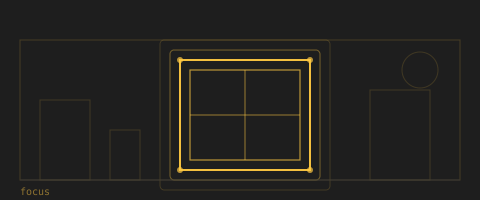
Focus Mode
Turn the existing room into a tracing-paper backdrop — light or dark — so the design reads cleanly. Switch between light and dark backgrounds depending on the effect you want for your drawings. When a client looks at your proposal, they don't need to see the clutter behind it.
Camera Capture
Built-in photo and video of the AR scene. Send a single shot to the project office; ship the rendered scene to a client's inbox.
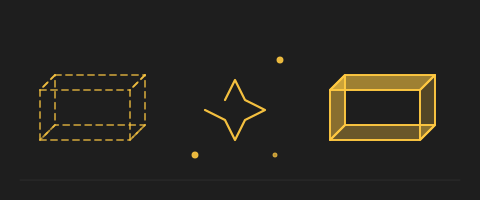
AI Rendering
Sketch a 3D box where something should go and label it; the system generates a photoreal preview in place. At the exact scale, angle, and lighting of the actual room. Show a client what their renovation will look like before a single tool comes out of the truck.

Local Collaboration
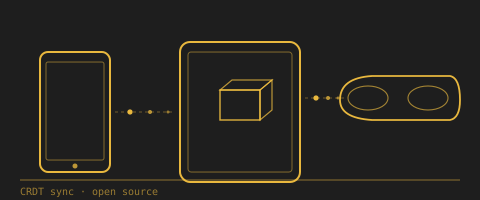
Two devices in the same AR session at true scale — peer-to-peer, no WiFi needed. iPad-to-iPad in the same room via the patented screen-marker sync; Apple Vision Pro joins the same session over the open-source EditSpace protocol. Works below deck, on remote sites, anywhere cell coverage drops.
EditSpace
The open-source engine behind Graphite 3D's inter-device editing. EditSpace is the CRDT-based collaboration layer that keeps every device editing the same model in sync. Released as open source so third-party tools can join a session — any device, any renderer — and edit alongside everyone else.

Offline Mode
Designed for sites where coverage drops out. Below deck, on remote terrain, in basements, on flights. Drawing, snapping, dimensioning, and collaboration all run locally on the device. The cloud is optional, not required.
Saved Drawings
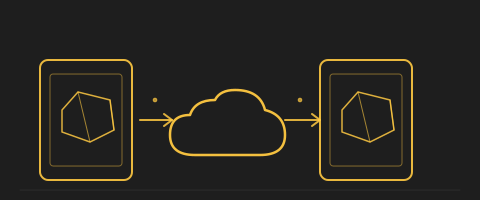
Sign in with Apple to save AR drawings to iCloud and reopen them across your devices. Graphite saves the AR world map with the objects anchored in it. Location helps match saved drawings to the space where you made them, and iCloud sync keeps saved work available on your other signed-in devices.
Import
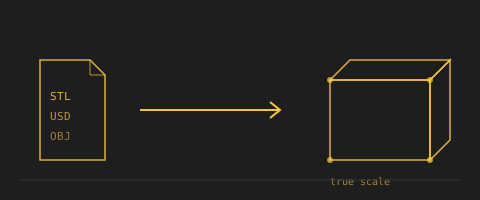
STL and USD models drop into AR at true scale. Bring geometry from Rhino, Revit, SketchUp, Blender, or Houdini and place it in the actual space it's going to occupy.
Export
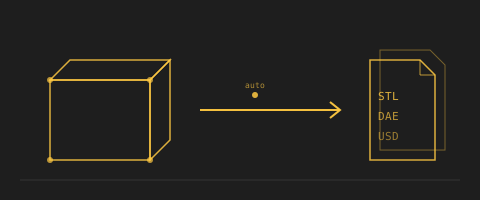
STL, SCN, USDZ. Auto-save. Drop straight into your existing CAD pipeline — the AR session becomes the start of your design process, not a detour from it.
Several features in Graphite 3D are protected by pending patent applications.
See it in action
Examples of uses in architecture, real estate, construction, interior design, retail, film, urban planning, and more.